Placeholder for new block: hero-product + pricing (section hero (full background))
How our secure browser helps everybody, including you
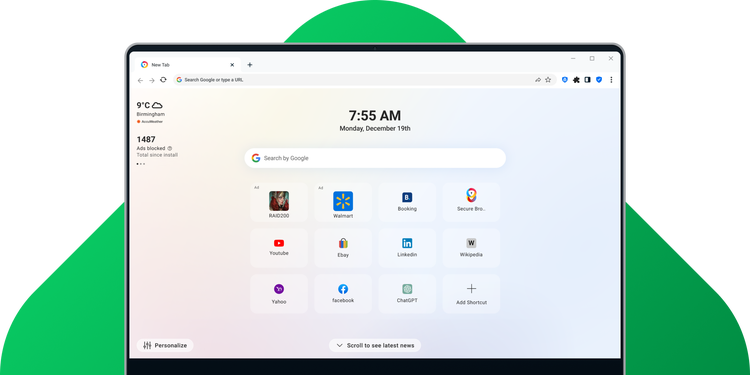
We believe that you should have complete control of how websites track you while you browse the web. Unlike popular browsers, our security experts designed AVG Secure Browser with your privacy and security as the main goal, all with a familiar easy-to-use interface. It assures that your data remains private and secure.
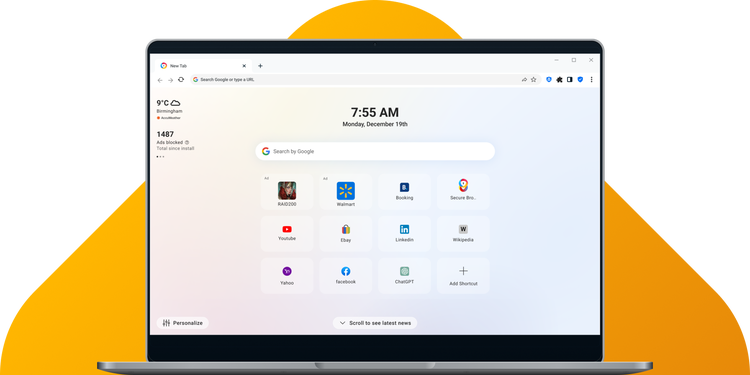
It all starts with the right private browser
There’s no need for complex installations or configurations. Once you’ve downloaded, it’s ready to go.
Placeholder for new block: table (comparison, 3 cols: feature | Regular browsers | AVG Secure Browser highlighted; check/cross icons; 7 rows)
- Privacy Guard Stops ads to help web pages load more efficiently and get a better browsing experience.
- Built on Chromium Based on the world’s most popular browser open-source project, we use the latest web technologies to give you the most seamless browsing experience.
- Anti-Fingerprinting Help stop websites identifying your digital fingerprint and tracking you online. You can do this by blocking browser fingerprinting.
- Privacy Guard Helps protect your privacy by blocking trackers that websites, advertising companies, and other web services use to monitor your online activity.
- Privacy Cleaner Cleans your browser history, cached images, cookies, and other junk with just one click, to keep your activity private and free up disk space.
- Private Mode Prevents your browsing history and any tracking cookies and junk files from being stored during a browsing session.
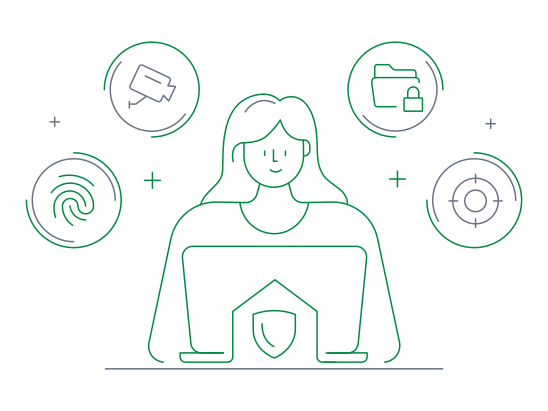
- Extension guard Third-party extensions often pose a significant threat to your online security and privacy, we keep you better protected by only installing those that you trust.
- Web Shield Blocks malicious websites and downloads by using our internal malware knowledge base to constantly detect threats in real time.
- Password Manager Safely store, create, and autofill your login credentials for your favourite sites.
Manage your privacy and security
Fine-tune our secure browser’s privacy and security with ease
Placeholder for new block: product-name + pricing (before footer)
Placeholder for new block: cards (article, carousel)